Visual project navigation
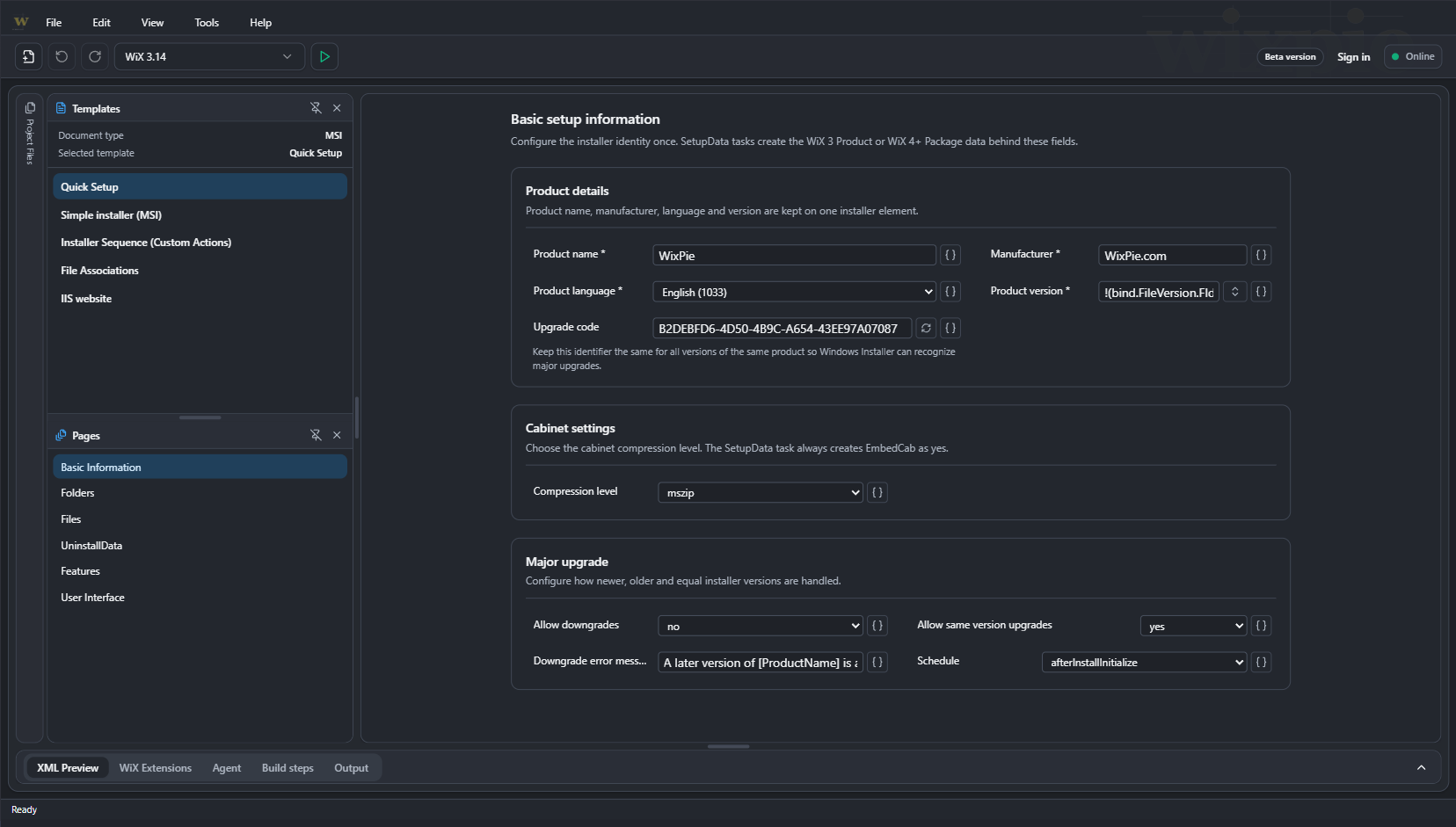
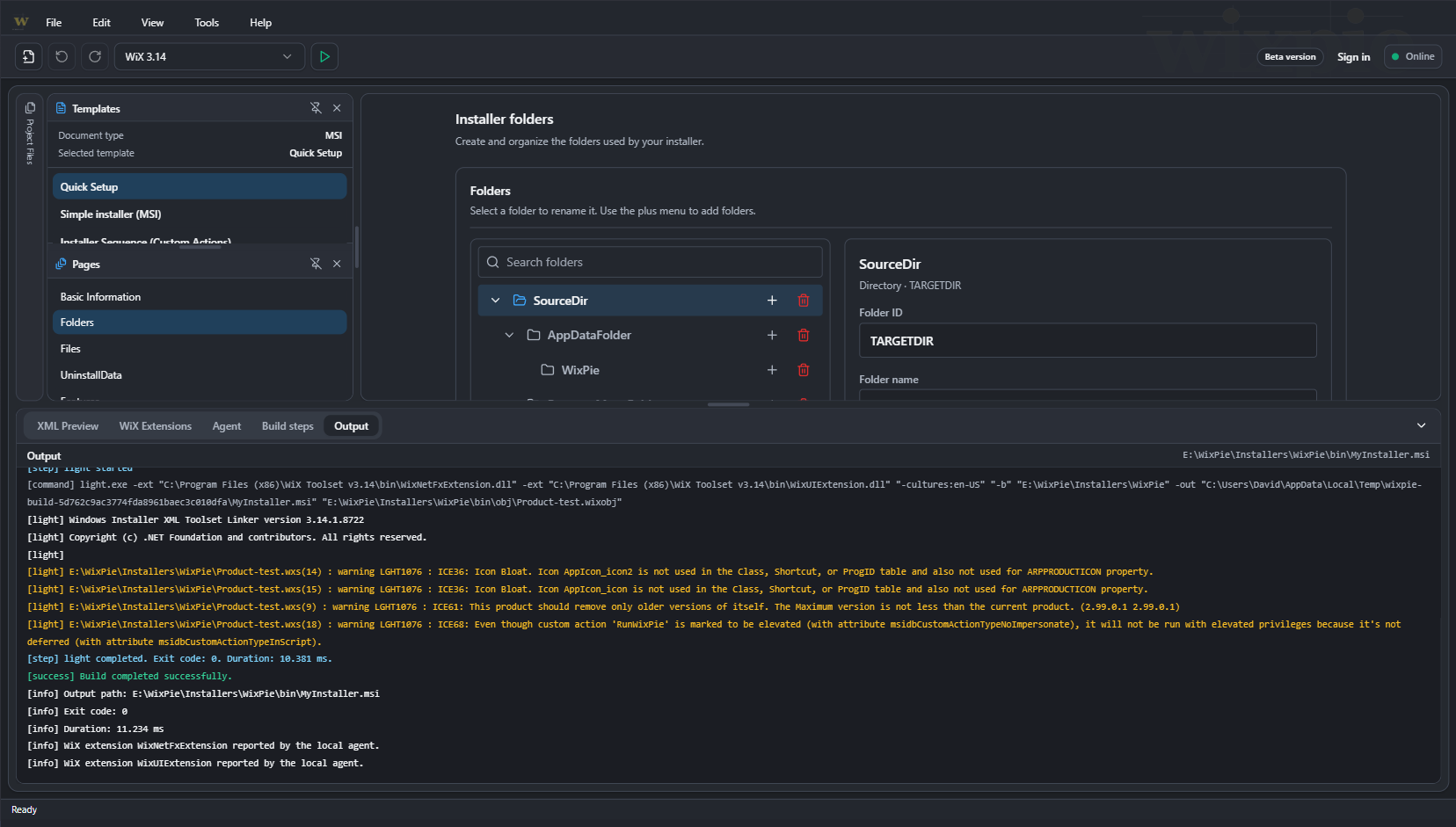
Explore installer pages and elements in structured panels.

Explore the editor
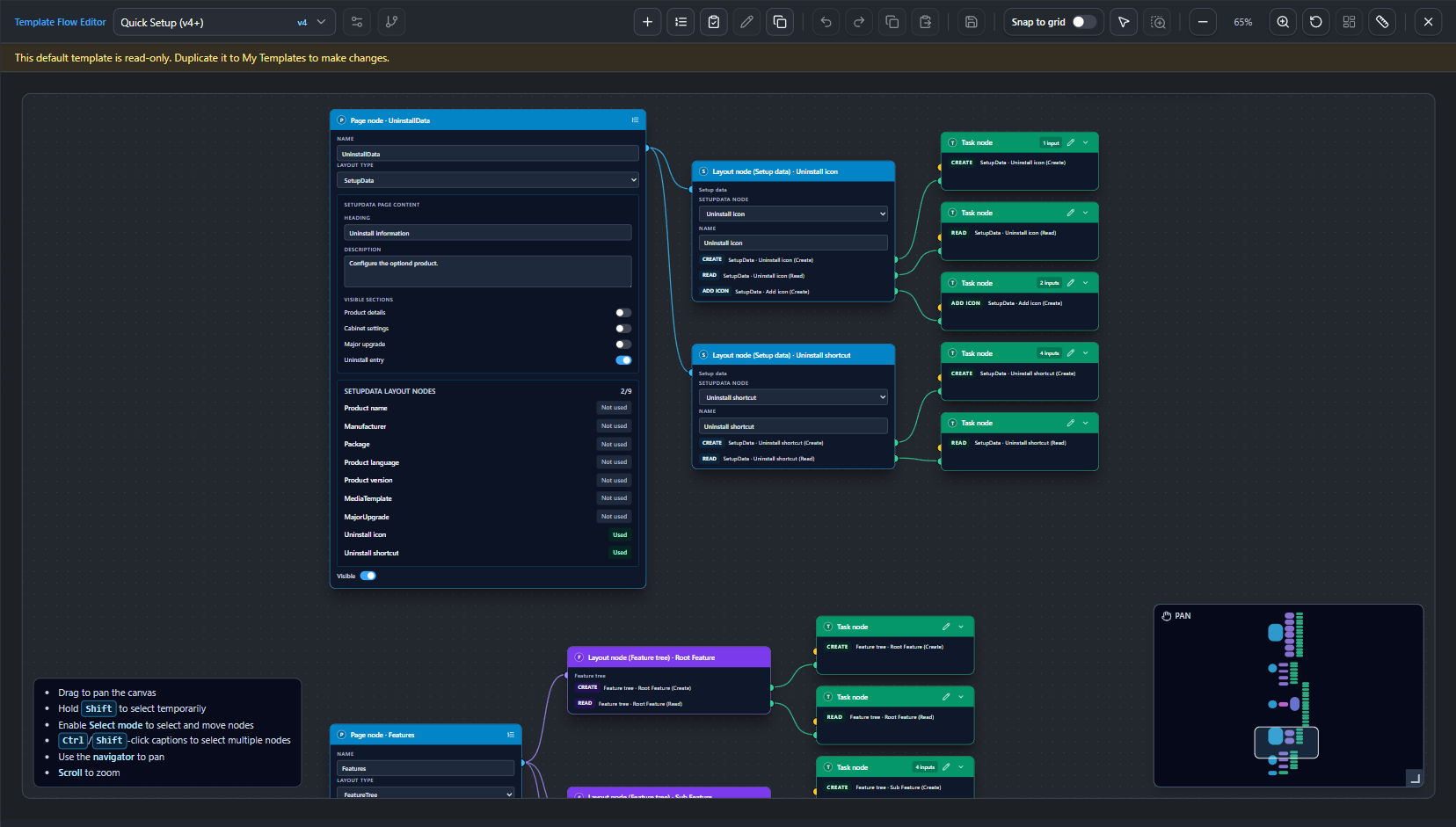
These views show how WixPie combines structured project editing with visual, reusable template workflows.
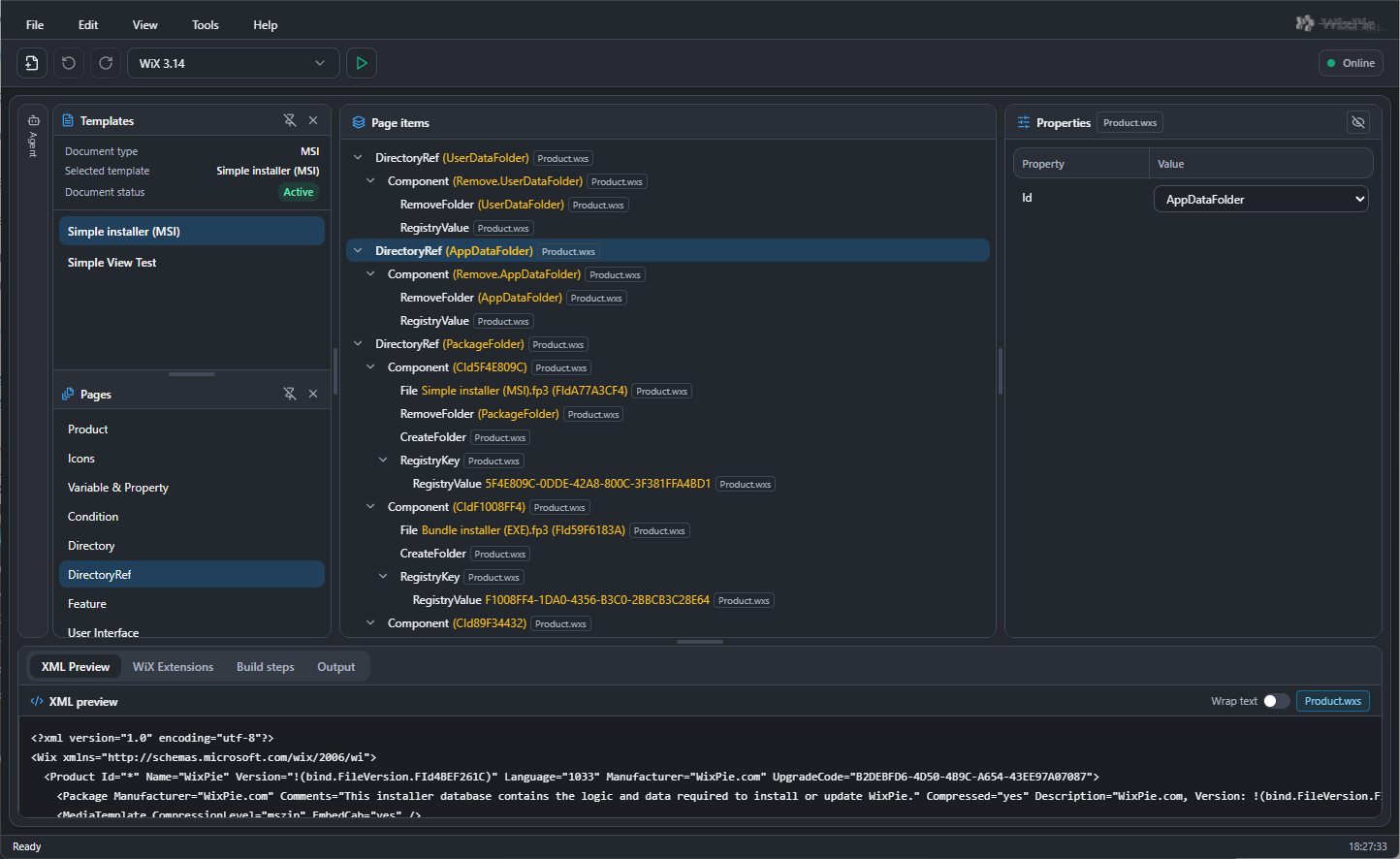
Move from templates and page items to properties and generated XML without losing the structure of the project.
First showcase item
Product capabilities
WixPie combines visual editing, generated XML and optional local companion tools. You can see at a glance which features are available and which are still being developed.
Move between a visual project model and the WiX source it produces.
Explore installer pages and elements in structured panels.
Configure selected elements through focused property controls.
Review generated WiX XML alongside the visual editor.
Build repeatable patterns for common installer layouts.
Describe repeatable installer workflows through templates, controls and contextual actions.
Start new work from WixPie-provided installer structures.
Create and maintain templates tailored to your own workflow.
Define guided operations attached to template contexts.
Apply common input patterns across template-driven screens.
Generate WiX structures from template input and tasks.
Connect the browser workspace to explicitly authorised operations on your computer.
Companion process for local capabilities a web page cannot provide.
Open and update selected local project files through the companion tools.
Bridge WixPie Online and the local companion from Chrome.
Coordinate selected operations within a local installer project.
Start and inspect local WiX builds from the connected workflow.